An independent community guide

Five questions before you start.

Choose a project, find its original downloads and protect your saves. This independent guide is for everyday users.

Sources checked:

How do the three projects differ, and which should I install?

Lichii, Fritchii and Hookshot are separate open-source projects maintained by different teams. None is an official Nintendo emulator; this website belongs to none of them. Lichii is an experimental emulator, Fritchii is its independent fork focused on OoT, and Hookshot supports a specific OoT release rather than general emulation. Choose a package for your system below; the release history does not promise future updates.

ProjectPackaged platformsInstallationObserved update history
LichiiWindows / Linux / Apple Silicon MacWindows: extract ZIP; Linux: AppImage or archive; Mac: ZIP or DMG.Releases on Nov 15, 16 and 17, 2026; no fixed schedule stated.
FritchiiWindows / LinuxWindows: extract ZIP; Linux: AppImage or archive.Releases on Nov 18 and 19, 2026; no fixed schedule stated.
HookshotWindows / LinuxWindows: Builder installer; Linux: Builder AppImage. Your own supported game is required.Latest checked release: Nov 15, 2026; no fixed schedule stated.
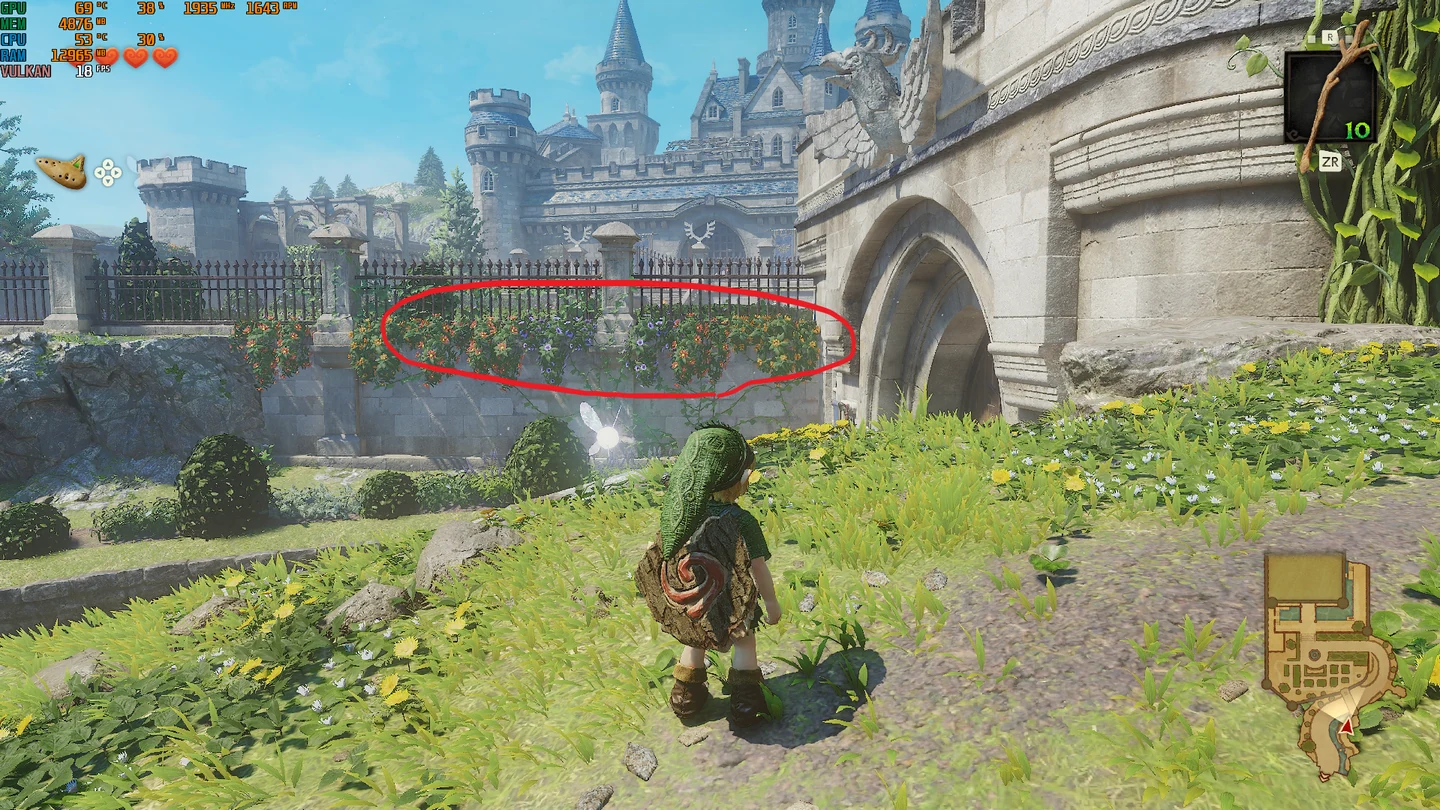
A community rendering report: the red annotation marks vegetation discussed in issue #263.
Lichii build 83Historical capture

A community rendering report: the red annotation marks vegetation discussed in issue #263.

eugene2010a-afk · GitHub #263 · Original source
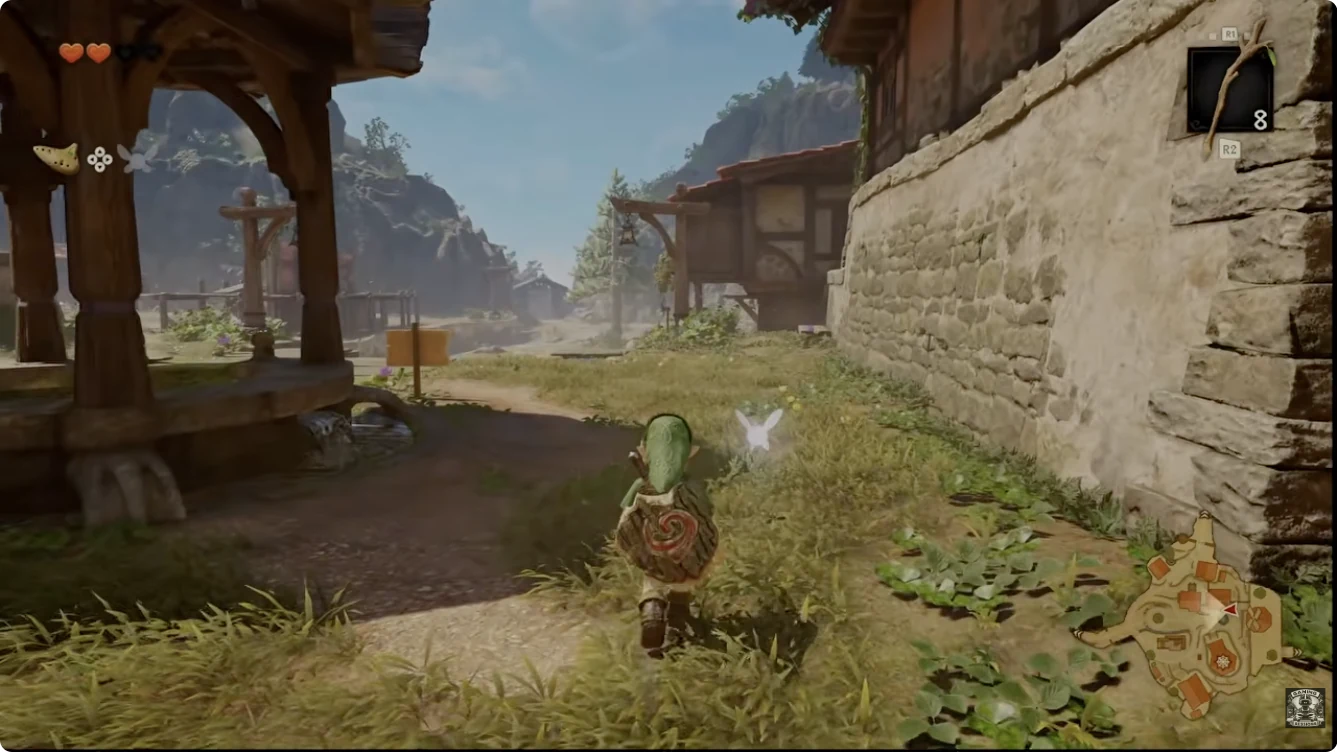
Fritchii gameplay in Gaming Sessions' demonstration.
2026-11-11Historical capture

Fritchii gameplay in Gaming Sessions' demonstration.

Gaming Sessions · 21:20 · Original source
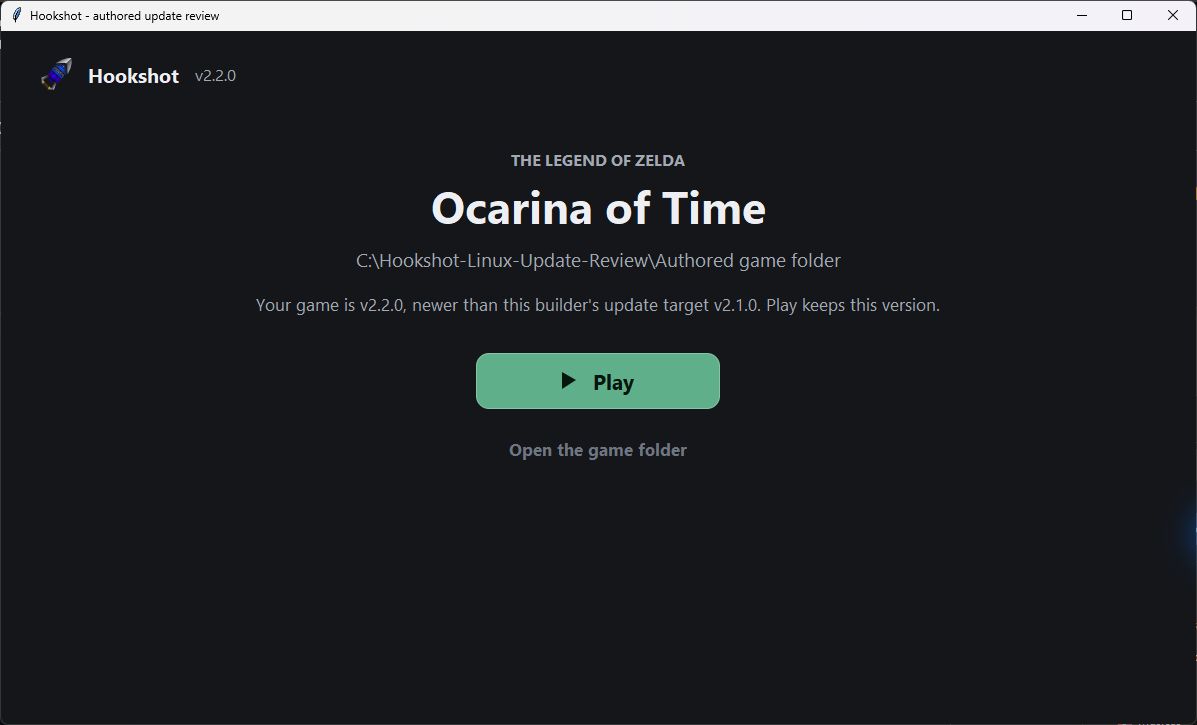
Hookshot Builder, from the project's own documentation.
Builder v2.2.0Historical capture

Hookshot Builder, from the project's own documentation.

Hookshot · docs/images · Original source
Can my computer run it?

Start by checking your system against the chosen project's documentation and use a graphics card with working Vulkan support. Windows and Linux have packages; Lichii also offers an Apple Silicon Mac build, with experimental macOS support through MoltenVK and potentially lower performance. Steam Deck can run Linux packages, but demanding scenes may slow down or fail. We could not verify a current minimum specification for Lichii or Fritchii; the projects have not stated one in the checked release notes. Hookshot publishes its own requirements in its README. Check game-specific reports before trying it. Supply your own permitted game and system files; we provide no games or keys.

Where is it safe to download?

Use the three original project sources below and check the release notes before downloading. This site also offers mirrors of selected, unchanged open-source program packages on dl.ns2emulator.com; only files marked ready are available. A mirror is not a security guarantee or a Nintendo endorsement. We do not provide or link to game ROMs, keys or firmware. Avoid repackaged cloud-drive bundles and lookalike sites. If unsure, use the original project source.

What if my controller will not connect, or a stick moves backwards?

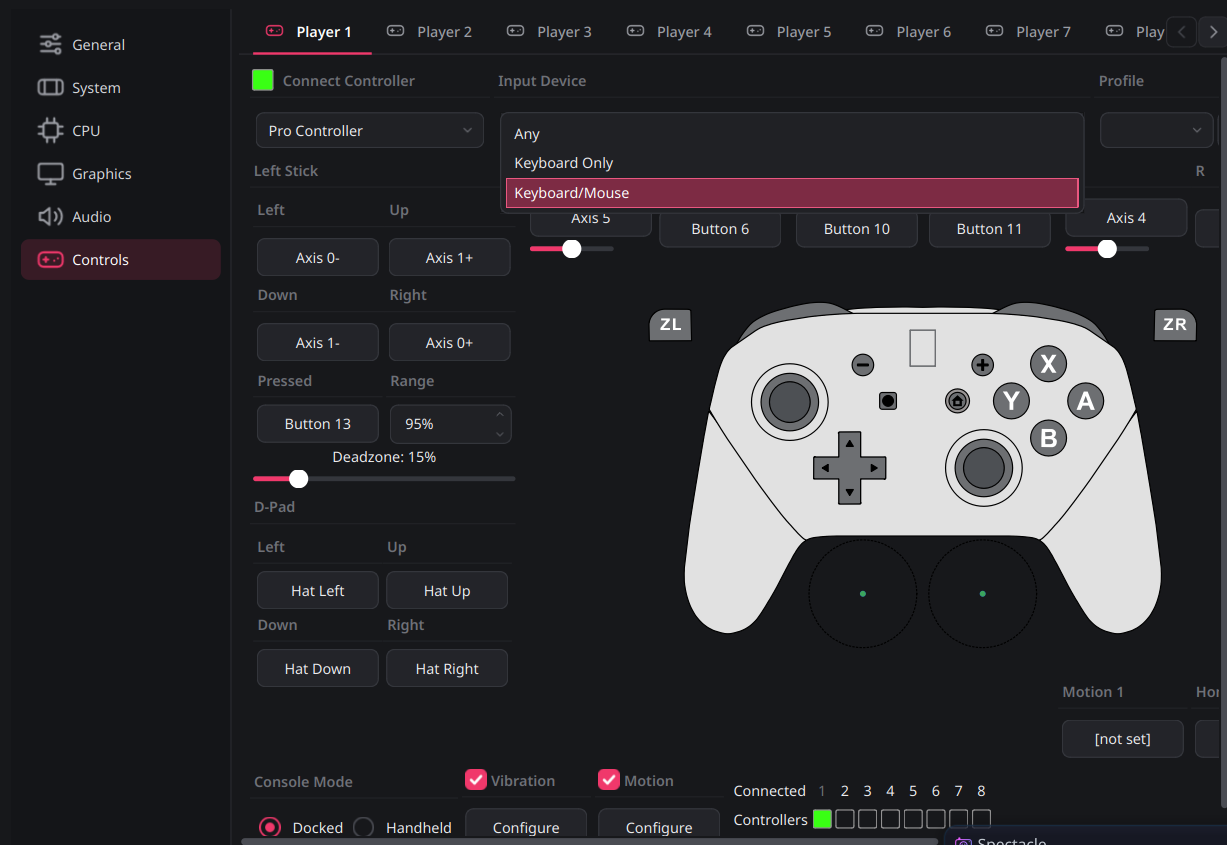
Pair a wireless controller in your operating system first, then reopen the program and select and remap it in the controller settings. Test every button and both sticks before playing; reverse the affected axis if necessary. An Xbox Elite Series 2 Bluetooth report on Linux describes having to remove and pair the device again. An older Apple M4 report describes an inverted Xbox stick Y axis; later Lichii release notes record a fix for reversed axes. These reports do not mean every current version is affected. We could not verify the current menu labels in a running app: follow the chosen project's documentation if the labels differ.

Lichii controller selection in community report #1697; this historical screen is not the current menu guide.
Lichii build 177Historical capture

Lichii controller selection in community report #1697; this historical screen is not the current menu guide.

saraneth0o · GitHub #1697 · Original source

Will an update erase my saves?

Back up before updating. Close the program, find the active save and profile folders using the chosen project's documentation, and copy them to a separate location. On Windows, Linux and macOS, the exact path depends on the project and whether you use a portable folder or a custom profile: use the project documentation as the authority. Search its README or user guide for save, profile or portable; confirm the folder contains your current saves before copying it. We have not verified these paths on a running installation, so no guessed paths are listed here. Keep the old copy until you have opened a game and checked its progress. A Lichii report describes missing saves after a migration reported success; do not rely on automatic migration alone.

Lichii #1273